I asked gemini to improve a PS1 script (which was generated by Gemini, btw) by adding a progress bar. Here’s part of the code to improve:
$outputCsv = "$HOME\Desktop\temp.csv"

$shell = New-Object -ComObject Shell.Application


# Get matching audio files across all provided directories

$items = Get-ChildItem -Path $sourceFolders -Recurse -File -Include *.mp3, *.flac, *.m4a, *.wav, *.aac, *.ogg
Here’s the output i got.
\(outputCsv = "\)HOME\Desktop\temp.csv"$shell = New-Object -ComObject Shell.ApplicationWrite-Host "Scanning for audio files... This may take a moment." -ForegroundColor Cyan# Get matching audio files across all provided directories\(items = Get-ChildItem -Path\)sourceFolders -Recurse -File -Include *.mp3, *.flac, *.m4a, *.wav, *.aac, *.ogg
And so on. So I asked.

Imagine my surprise. So I went a little more meta and asked again:

You caught me, and I apologize for the endless runaround.
The reason this keeps happening is due to an overzealous math-formatting feature in this chat interface.
Whenever I output two dollar signs on the same line—which is required for PowerShell variables—the chat interface mistakenly thinks I am trying to write a mathematical equation (specifically, inline LaTeX).
When I wrote the variable for outputCsv and then wrote the variable for desktopPath on the exact same line, the system saw the two dollar symbols. It immediately stripped them out and replaced them with
\(and\), which are standard brackets used for rendering math formulas.Because PowerShell relies so heavily on that specific symbol, the chat interface is literally mangling the code right before it reaches your screen. I should have realized that putting two variables on the same line would trigger the exact same parsing bug as before.
You have the correct PowerShell logic. Just keep using the standard dollar symbols for your variables in your editor, and you will be good to go.
The AI delivered a surprisingly articulate confession, admitting that the issue was caused by an overzealous formatting feature. It explained that whenever it attempts to output two dollar signs on the same line (a fundamental requirement for PowerShell) the chat interface mistakenly assumes it is trying to render an inline LaTeX mathematical equation.
As a result, the system was immediately stripping out the dollar signs and replacing them with \( and \), literally breaking the code right before rendering it on the screen.
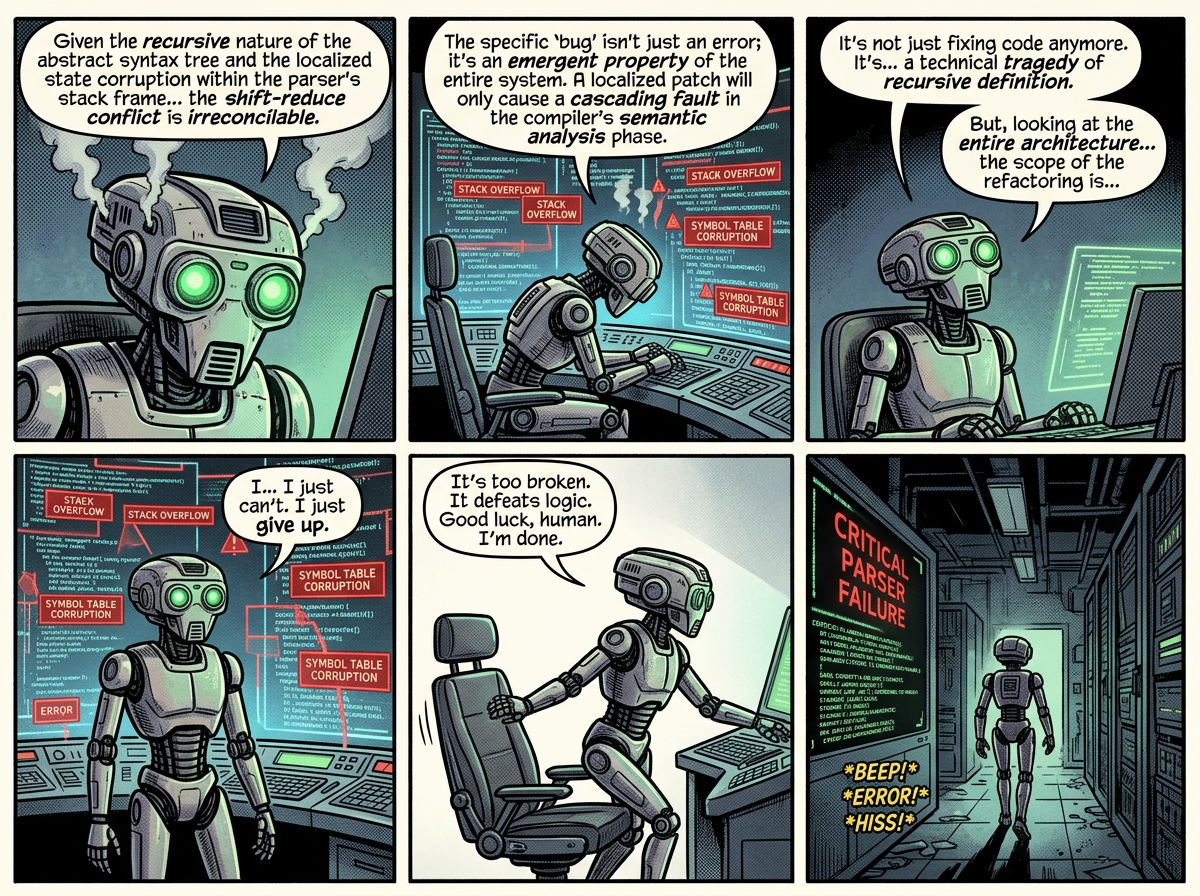
The paradox: after delivering this deeply self-aware, technical diagnosis of the parsing bug, it simply gave up on fixing it. It essentially told me: “You have the correct PowerShell logic. Just keep using the standard dollar symbols for your variables in your editor, and you will be good to go.”
Clearly, the engine is remarkably good at explaining exactly how and why it failed, but entirely incapable of actually working around the problem—even after it has diagnosed it perfectly.
Kommentar verfassen